

Feedback
Short, plain-language summaries of how your child is developing — strengths and areas to work on. These are written for you to read, not coaching shorthand.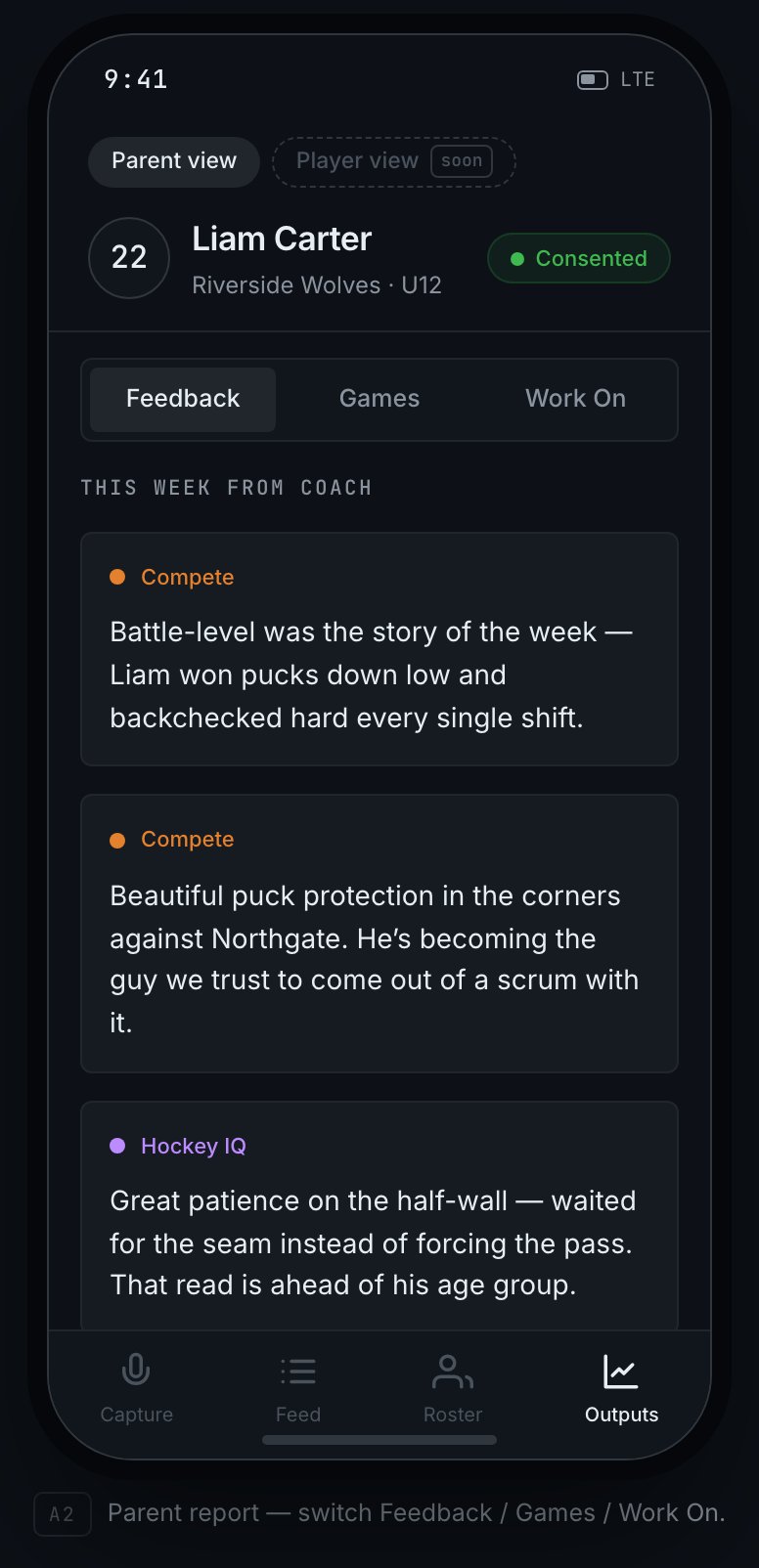
Your child's parent page — the Feedback tab, showing development notes written for you to read.
Games
Per-game stats, pulled from what the coach actually said during the game — goals, assists, shots, blocked shots, faceoffs won, and the like. One honest caveat: these aren’t a full scoresheet. A coach captures what they notice in the moment, so a quiet game, or one where the coach was busy running the bench, will show fewer stats. It reflects what was said, not a stat-crew’s tally — so read it as colour, not a box score.What to Work On
Specific things for your child to practice next, so you can support them at home or at the rink.Content appears as coaches capture and confirm notes. Early in a season, or right
after you consent, a tab may be empty until the next game or practice — that’s normal,
not a fault with your access.