

What a note looks like
Each note shows:- Category — Player feedback, Game data, Action item, or Game insight.
- Status — Transcribing, Pending review, Confirmed, or Consent blocked.
- Player — if you attributed it.
- The text — what RinkNotes heard and wrote.
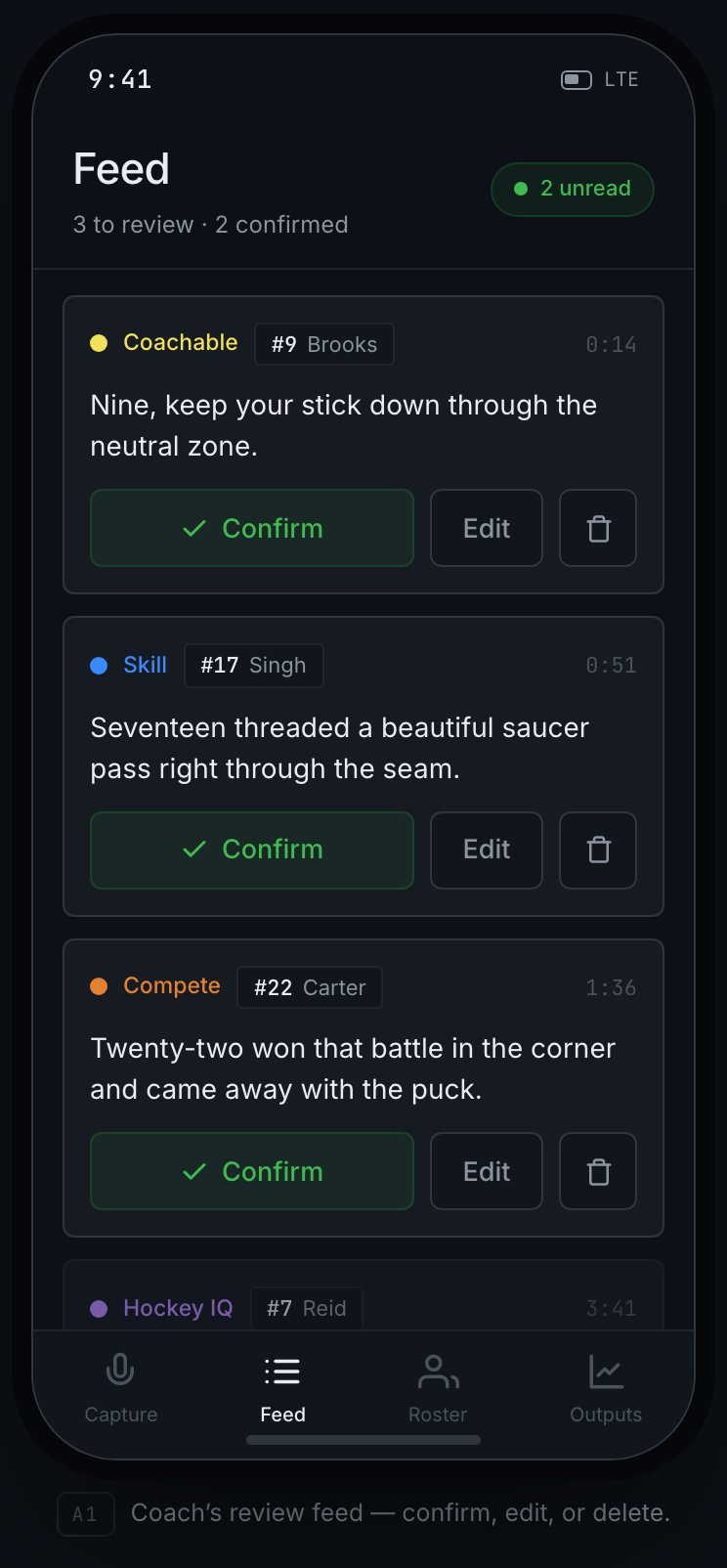
The feed. Each note shows its category, the player, and Confirm / Edit / delete actions; confirmed notes flow into your outputs.
The review chain
RinkNotes double-checks notes so nothing shaky slips through:1
Assistant review
An assistant coach can approve, edit, or reject a note. Approving sends it
to the head coach.
2
Head coach confirms
The head coach gives the final yes. Confirmed notes flow into your outputs.
Try it
Confirm a note, or edit one first — watch it flow into your outputs. Nothing counts until you do.Editing a note
Before a note is confirmed you can open it and:- fix the text,
- change the category (Player feedback, Game data, Action item, Game insight),
- change the player it’s attributed to (only consented players can be chosen),
- and, for player-feedback notes, change its observation category — the developmental area it’s about. See Observation categories for the set.
Parent volunteers don’t see the feed at all — they can capture, but reviewing is for
coaches.
Fixing a note you already confirmed
Confirmed the wrong thing? It’s not locked away. A head coach can open a confirmed note and correct its text or who it’s attributed to. Two things worth knowing:- Only the head coach can edit after confirmation — an assistant can’t quietly rewrite the record once it’s official.
- The edit re-runs that player’s outputs. Move a goal from #9 to #7 and both #9’s and #7’s feedback and stats get recomputed, so nothing is left pointing at the wrong kid. You don’t trigger that by hand — it happens because you edited.